Welcome to Ketchikan Museums Online Collections Database!
Ketchikan Museums, in partnership with the Tongass Historical Society, provide stewardship of artifacts, images, and archives that preserve the unique history of southern Southeast Alaska.
Note: Digitizing and this database are ongoing projects. If you have information or edits to anything you see, please contact us at (907) 225-5600 or leave us Feedback
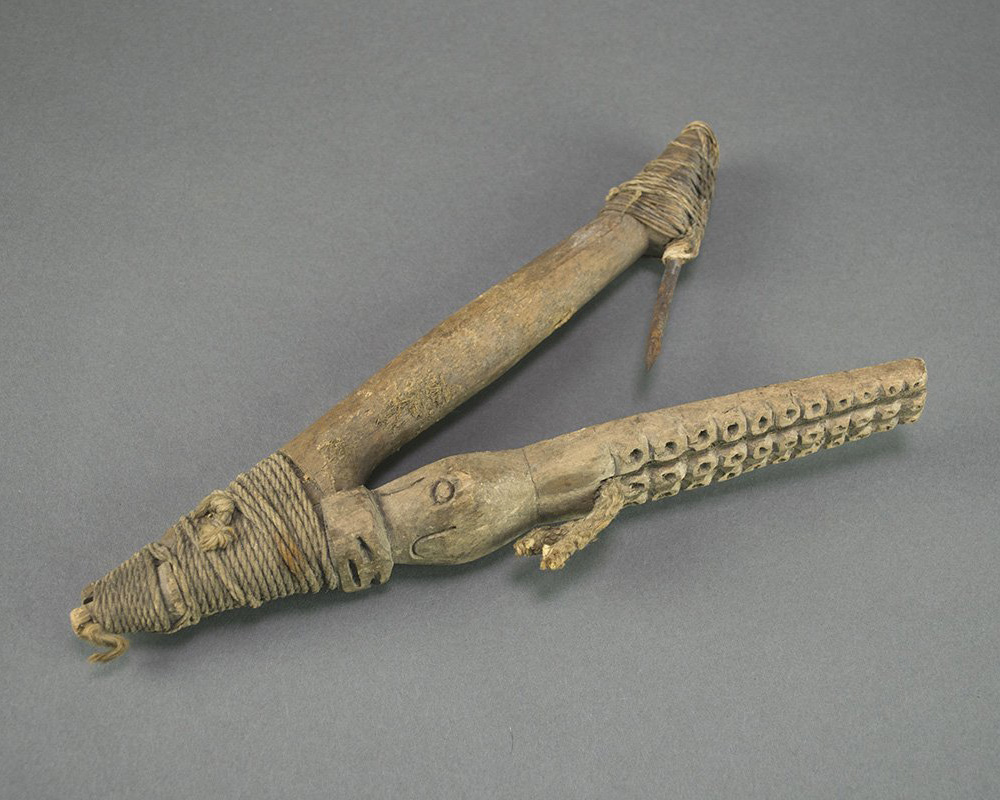
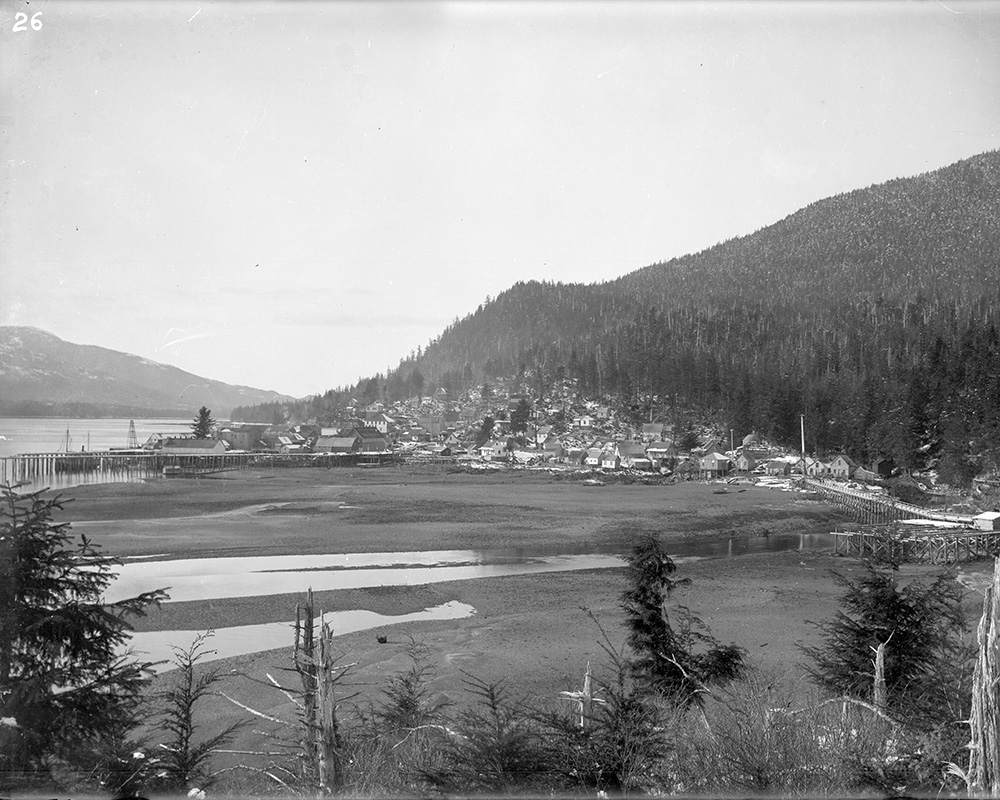
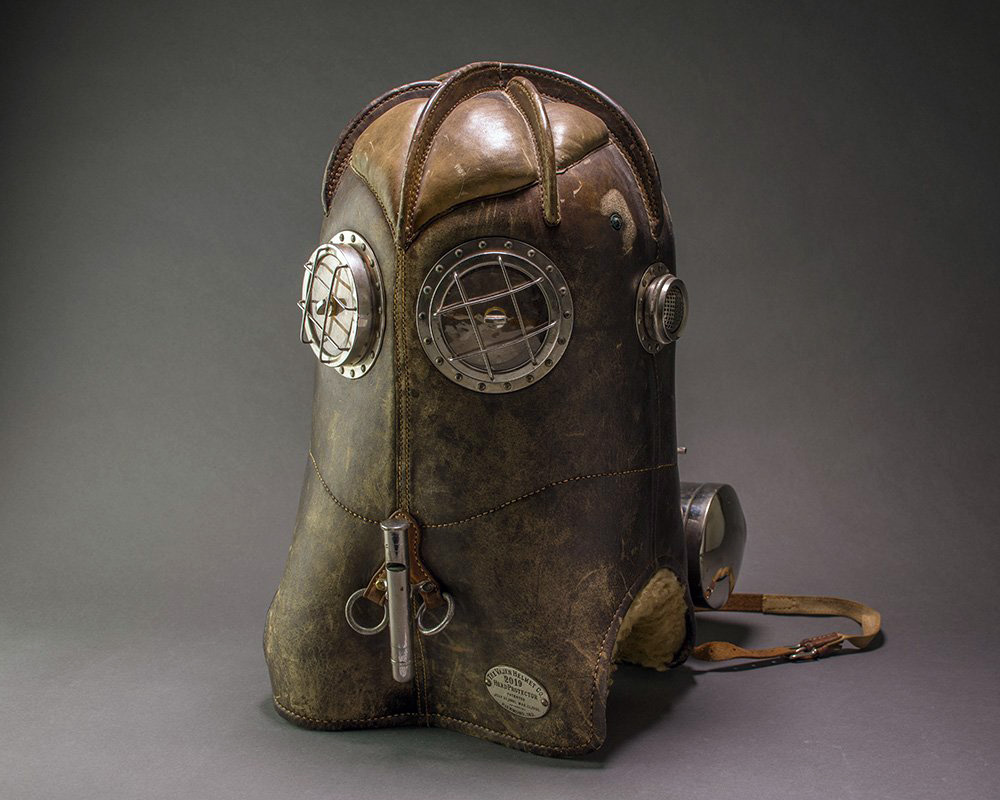
Featured Objects
Featured Collections

How to Search the Online Database
Catalog definitions to know
- Archive: paper or audio-visual artifacts such as documents, letters, brochures, postcards, maps, and oral history recordings.
- Object: 3-dimensional objects; can be broken into three categories—historical (e.g. axe), natural history (e.g. taxidermy specimen), and archaeological (e.g. spear point).
- Photo: images, slides, negative film, glass plate negatives, and digital images.
- Library: newspapers, magazines, books.
Search tips
- Search all catalogs and fields with a Keyword search
- Narrow your search to a specific catalog or field use an Advanced search
- Not sure what you are looking for? Try a Random search
- Searches are not case sensitive
- By default searching two or more words will return results where any of the search words appear (e.g. a search for Downtown Ketchikan will return records associated with Downtown OR Ketchikan)
- To find records where both words are included, type AND between the two words
- To search for a specific phrase, put the phrase in quotes (e.g. “Fire Department practice”)
- Use the asterisk (*) as a wildcard (e.g. a search for histor* would come up with records containing history, histories, historical, etc.)
- Searches are not case sensitive
- By default searching two or more words will return results where any of the search words appear (e.g. a search for Downtown Ketchikan will return records associated with Downtown OR Ketchikan)
- To find records where both words are included, type AND between the two words
- To search for a specific phrase, put the phrase in quotes (e.g. “Fire Department practice”)
- Use the asterisk (*) as a wildcard (e.g. a search for histor* would come up with records containing history, histories, historical, etc.)